You can easily see your course expiry date when you log in and visit My Courses. Your enrolment begins from the date you are enrolled into the course, not from when you first log in, so be sure to note your expiry date in your calendar.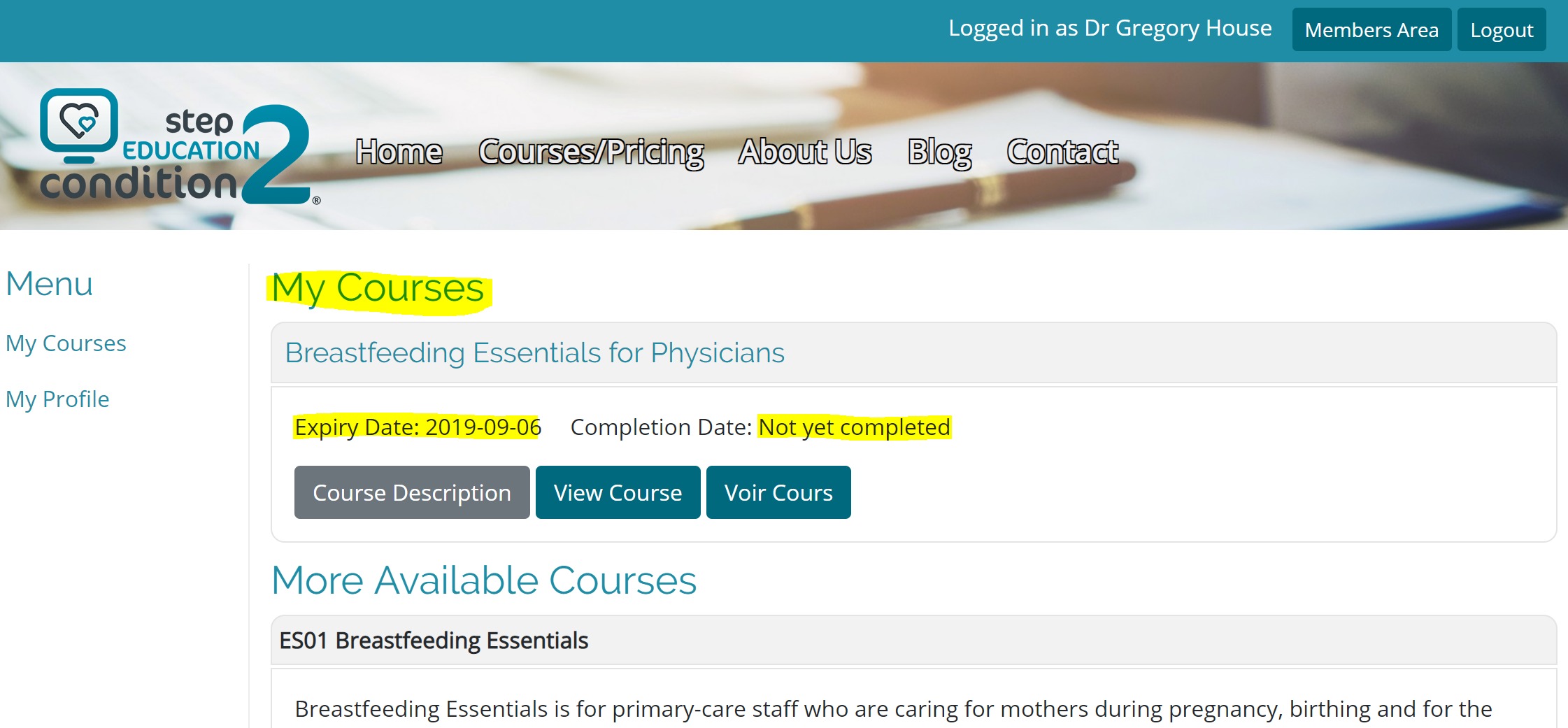
Need more time? You may be eligible for an extension.
Was this article helpful?
That’s Great!
Thank you for your feedback
Sorry! We couldn't be helpful
Thank you for your feedback
Feedback sent
We appreciate your effort and will try to fix the article